Uncensored AI Generator: What It Makes, What It Refuses
Search for an uncensored AI generator and you get two kinds of pages: lists of ten tools with the same three sentences each, and landing pages promising "no limits". Neither tells you what you will actually click on, what an image costs, or where the line is.
This guide does. It describes one generator in detail, ours, as it works in November 2026: the three ways to create an image, every menu, the price in Sparks, and the requests it refuses. Read the first section even if you never use Sparkles; it applies to every tool in this category.
What "Uncensored" Really Means
Mainstream image generators refuse nudity outright. An uncensored AI generator does not: it produces sexual content for adults who ask for it. That is the whole meaning of the word.
It does not mean "anything goes", and a product that claims so is either lying or about to lose its payment processor. Every serious uncensored generator refuses the same short list, and so does Sparkles:
- anything involving minors, including characters described or styled as underage;
- real people, famous or not;
- non-consensual scenes, incest, extreme violence.
On Sparkles a refused request returns one sentence: "This request isn't allowed. Try something else." Nothing is charged. There is also an entrance rule: the site is for adults only.
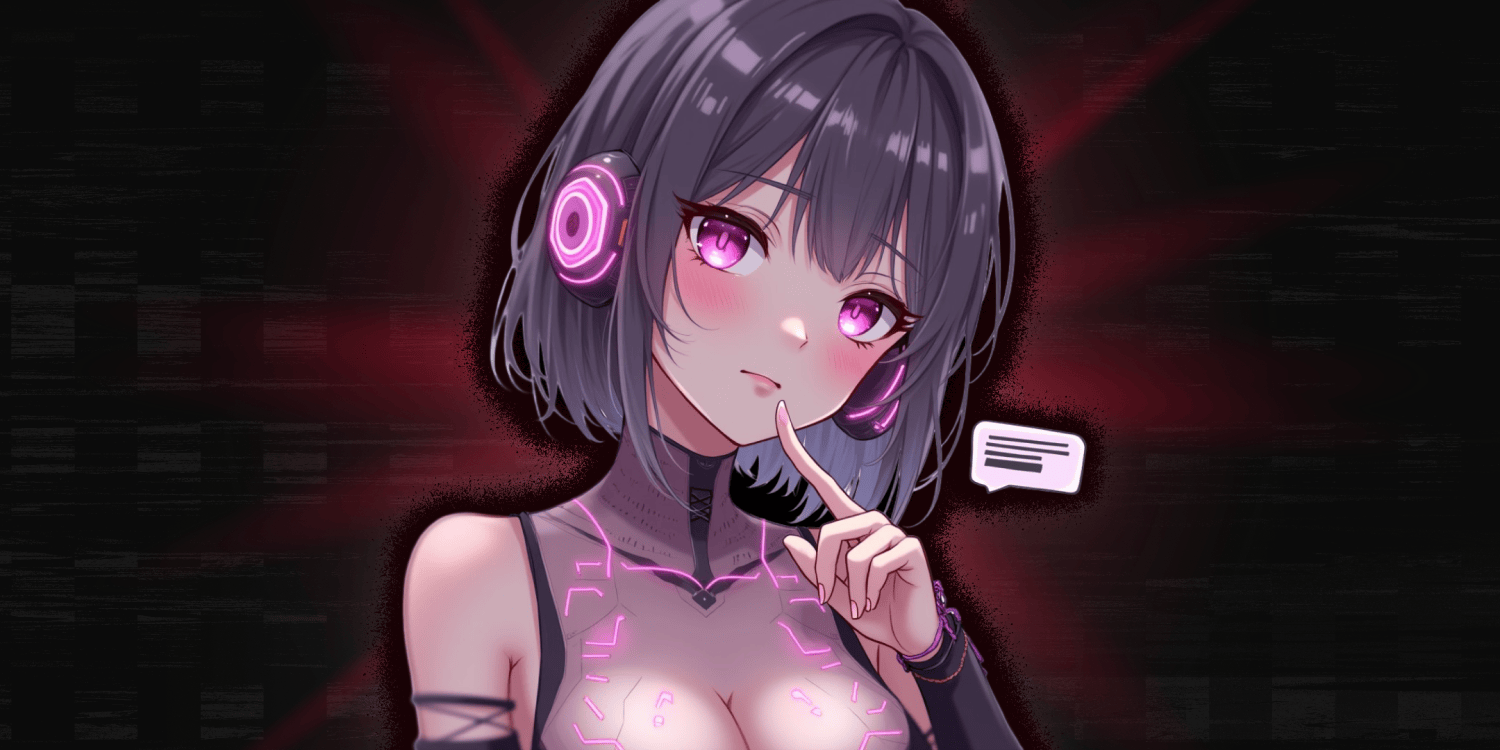
One more thing sets a companion generator apart from a blank-prompt tool. You do not generate an anonymous image; you generate a picture of someone. Every image starts from a companion, with her face, her body and her style.
Three Ways to Generate an Image
1. Ask her in the chat
The most natural way, and the one most people use. In a conversation, the "Ask" menu offers:
- "Show me…", "Send me…", "Can I see…": you finish the sentence in your own words;
- "A photo of this scene": she sends a picture of what you are playing right now, which is the fastest route from a story to an image;
- "Pick a pose": the same preset library as the studio, without leaving the chat.
The price is the same as everywhere else: 20 Sparks. A free account that has run out of Sparks is offered one selfie, once.
2. Use the image studio
The image studio is the place to work precisely. It has four cards.
| Card | What you choose | Required |
|---|---|---|
| Character | A companion from the catalogue or one of your own | Yes |
| Outfit | About 60 presets, from dresses to lingerie to nothing | No |
| Pose | About 85 presets, from tender to explicit | No |
| Background | About 55 presets: indoors, outdoors, nightlife, the city | No |
A card left empty shows "Leave empty — the AI decides". You can also add a custom prompt of up to 3,000 characters to describe exactly what the presets do not cover.
The presets are sorted into sections with plain names, so you find things without scrolling through everything: Romance, Teasing, Lingerie, Beach & pool, Dresses & skirts, Uniforms & jobs, Costumes, then the explicit sections, each labelled for what it is.
You choose how many images to launch at once: 1, 2, 4 or, with Premium, 8.
3. Turn an image into a video
The video studio starts from an image of your companion, the "start frame", and animates it. You pick an action among about twenty presets or describe it yourself. A clip lasts 5 seconds, costs 100 Sparks and can be extended for another 100. Video is a Premium feature. Our separate guide to the uncensored AI video generator compares the tools that do this.
What You Cannot Set
Honest lists have two columns. Here is what the generator does not let you do.
- No style switch. Realistic or anime is decided by the companion, not by a setting. To get the other style, pick another companion.
- No format or resolution setting. There is no aspect-ratio menu, no resolution choice and no manual upscale button.
- No image without a companion. You cannot type a prompt into an empty page and get a stranger.
- No photo of a real person as a starting point.
- No long or high-definition video. Five seconds, one quality.
If you need free-form images of anything, with full control over format, a general-purpose tool is the right choice, and our roundup of NSFW image generators compares them. A companion generator trades that freedom for something else: pictures of one companion, generated from her look.
Is It the Same Face Every Time?
Mostly, and it is worth being exact. For a realistic companion, each photo is built from a reference portrait of her, which is what keeps her recognisable from the beach to the bedroom. For a companion you created yourself, the picture you kept at creation plays that role. It is not perfect: an unusual pose or a busy scene can pull the face away from the reference. When that happens, generating again is usually faster than rewriting the prompt.
What It Costs
One price, whatever you ask for:
| Action | Cost |
|---|---|
| One image, in chat or in the studio | 20 Sparks |
| A generation that fails | Nothing |
| One 5-second video (Premium) | 100 Sparks |
| Extending a video | 100 Sparks |
And three ways to have Sparks:
- A free account: 60 Sparks at sign-up, 10 more to claim each day. That is three images to start with, then one every two days, if you spend nothing on chat. There is no daily free quota beyond that, and no unlimited tier.
- Premium, $14.99 a month or $119.99 a year: 1,000 Sparks every month, which is 50 images, plus 60 a day to claim, the 8-image batch and video.
- Sparks packs, from $4.99 for 150 Sparks. Premium members get 30% more in every pack.
One difference is worth knowing before you compare results with someone else's: the studio notes that images marked Premium "were generated with higher quality models", and adds: "Free-tier results may vary."
Getting Better Results
A few habits make more difference than long prompts.
- Start with presets, then add words. Pick an outfit and a background, leave the pose empty, and look at what comes back. Use the custom prompt to correct, not to describe everything from zero.
- Describe the picture, not the story. "Sitting on the edge of the bed, looking over her shoulder, morning light" works. Three paragraphs of plot do not.
- Launch two or four at once when the idea is new. Variations cost the same per image and show you what the model does with your words.
- In a roleplay, use "A photo of this scene". She already has the context; you do not have to rewrite it.
- Change one thing at a time. If the face drifts, keep the outfit and change the pose, rather than starting over.
Where Your Images Go
Every image lands in "My Generations" in the studio and in your gallery. The gallery states it plainly: "Images stay private, visible only to you." You can open any image full screen and download it. Nothing is posted to a public feed, and companions you created yourself are never listed in the catalogue.
The Bottom Line
An uncensored AI generator is a simple thing once the slogans are removed: adult images allowed, a short list of refusals, and a price per picture. On Sparkles that price is 20 Sparks, the refusals are written down, and the images are of a companion you can also talk to, which is the part no standalone generator offers.
If you want to design her before you generate anything, start with create your own AI girlfriend; for a softer register, see the sexy AI generator guide. Otherwise, open Sparkles, pick a companion, and ask her for a photo of the scene you are in.
Related Articles
 Guides
Private AI Chat: Keep Your Conversations Confidential
Discover AI chat apps that truly protect your privacy — no data harvesting, no judgment, and intimate conversations that stay between you and your AI companion.
 Technology
Uncensored AI Video Generator: Top Picks for 2026
Discover the best uncensored AI video generators in 2026 — no content filters, full adult creative freedom, and genuine platforms reviewed.